Domains
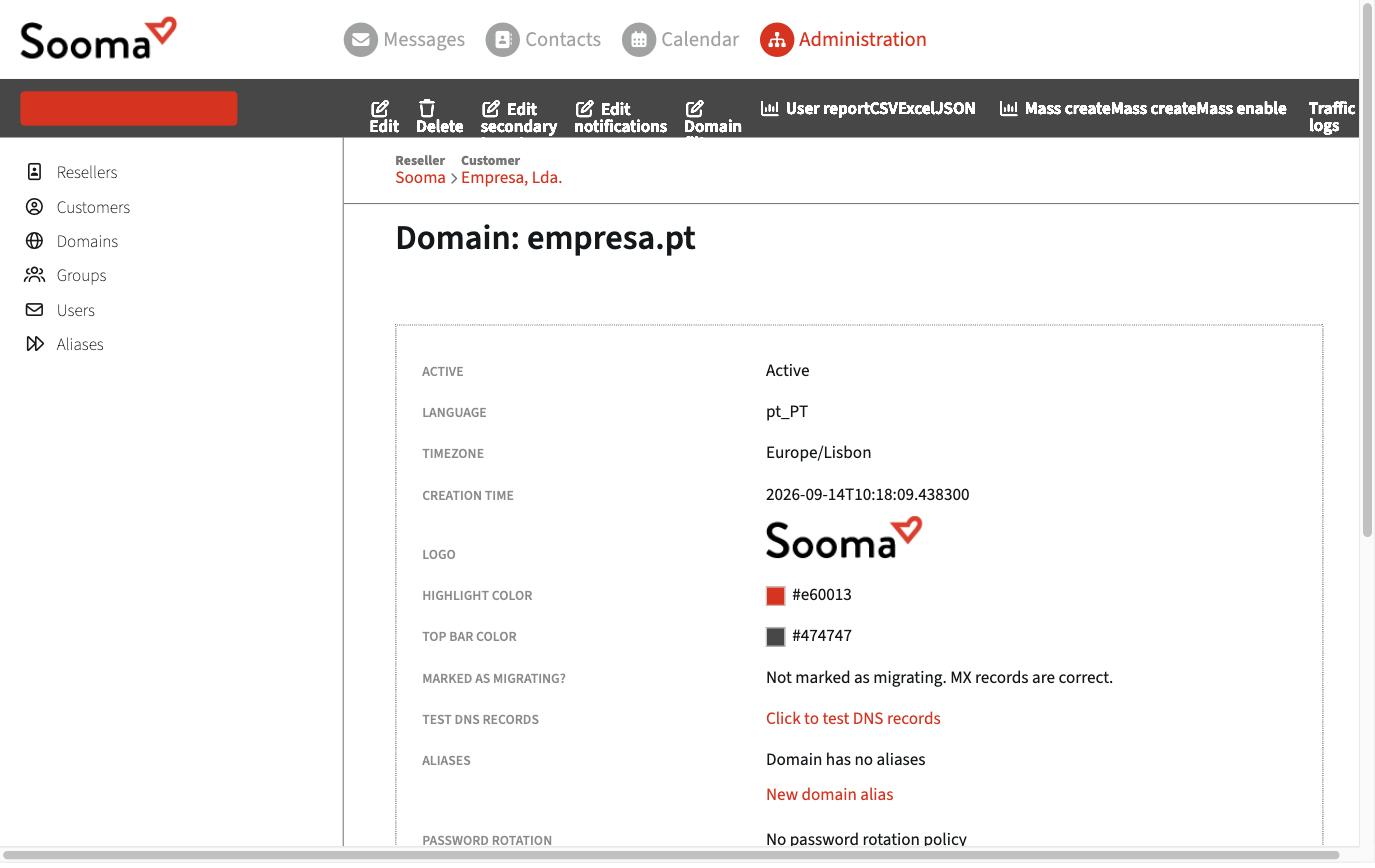
In the administration console, Domains lists the company's domains. Each domain's page brings together:
- General details — status, and the default language and time zone for new mailboxes.
- Webmail look — logo, highlight colour and top bar colour that the domain's users see in webmail.
- DNS — Test DNS records checks the MX, SPF, DKIM, DMARC and autodiscover records and tells you what needs fixing.
- Domain aliases — other domains that deliver into the same mailboxes. See Multiple domains and domain aliases.
- Password rotation — policy for periodic password changes. See Password policies.
- Resources — products (quota plans) available and number of mailboxes and aliases.
Check the DNS
Click Click to test DNS records. The result shows, record by record, whether it is correct and, if not, the expected value.
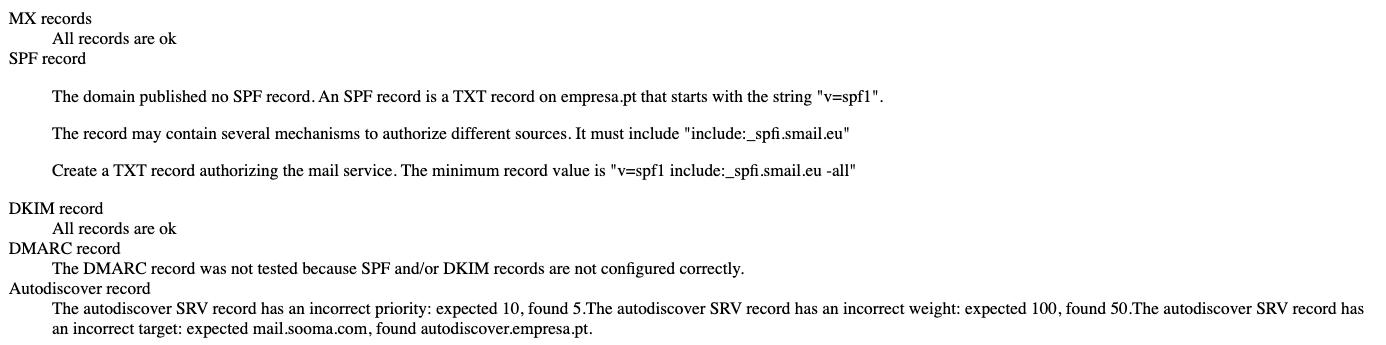
The correct values are in DNS records.