Users and groups
In the administration console, Users holds the mailboxes and Groups the user groups.
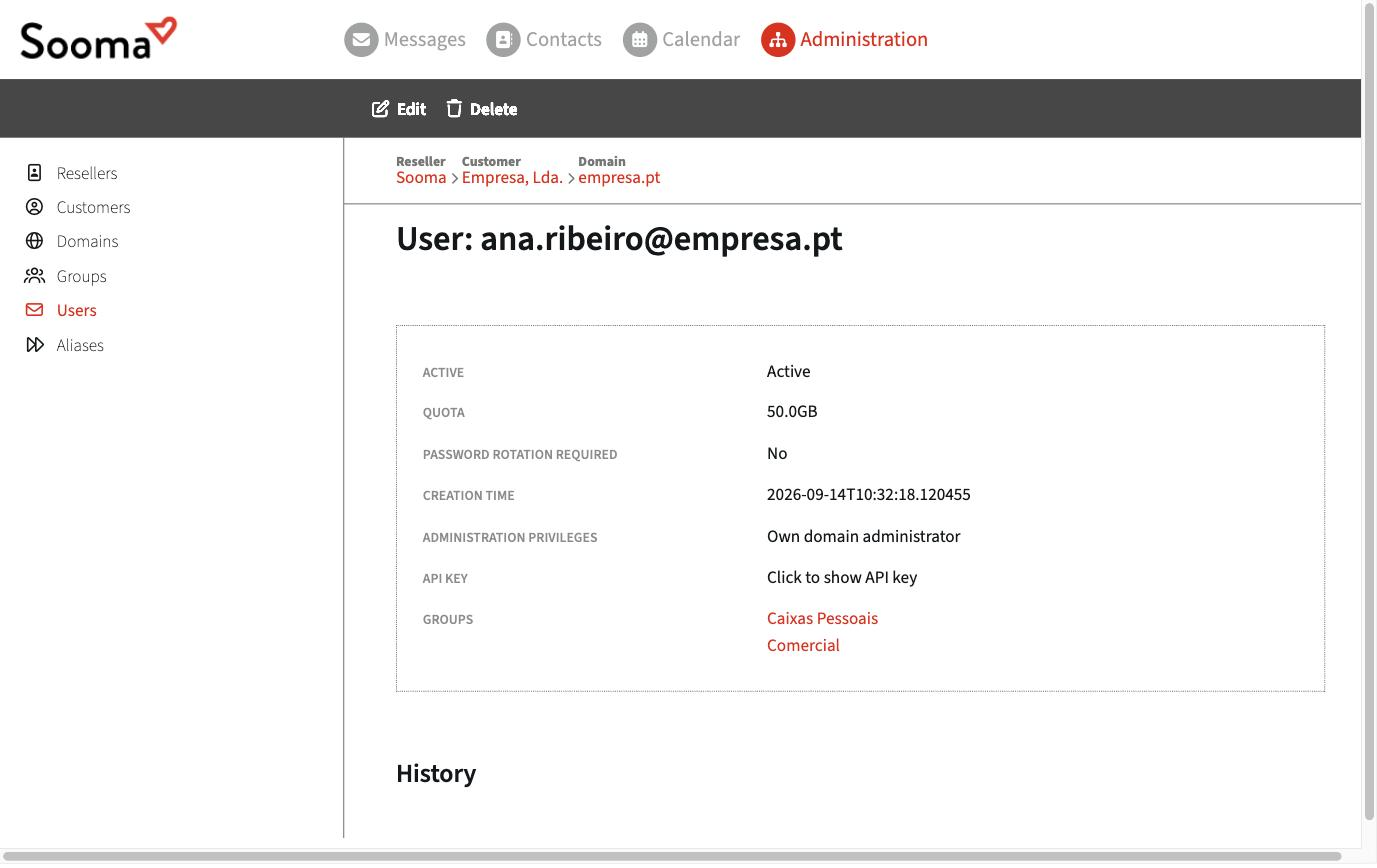
- Create and manage accounts — create mailboxes, enable and disable them, change passwords, delete.
- Quotas and permissions — space per mailbox, administration privileges, webmail and POP3 access.
- Distribution lists and shared accounts — addresses such as sales@ or info@ that deliver into several mailboxes.
- Provisioning via Active Directory — sync users from the company's AD.
Groups
A group brings together several users in the same domain. It is used to:
- send to everyone at once, through an alias that delivers to the group;
- restrict who can write to an alias (for example, only members of the Management group).
To create a group, open the domain and click New group. Enter the Group name and the Domain. Then, on each user, choose the groups they belong to (Groups field).