Password policies and mandatory 2FA
Complexity rules
Every password on the platform must have:
- at least 8 characters;
- upper and lower case letters;
- at least one digit;
- at least one non-alphanumeric character.
These rules apply both when the user changes their password in webmail and when the administrator sets it in the console.
Periodic rotation
To require users to change their password from time to time:
- In the console, open the domain and click Edit.
- Under Password rotation interval, choose Every 3 months, Every 6 months or Every year (or Never to turn it off).
- Save.
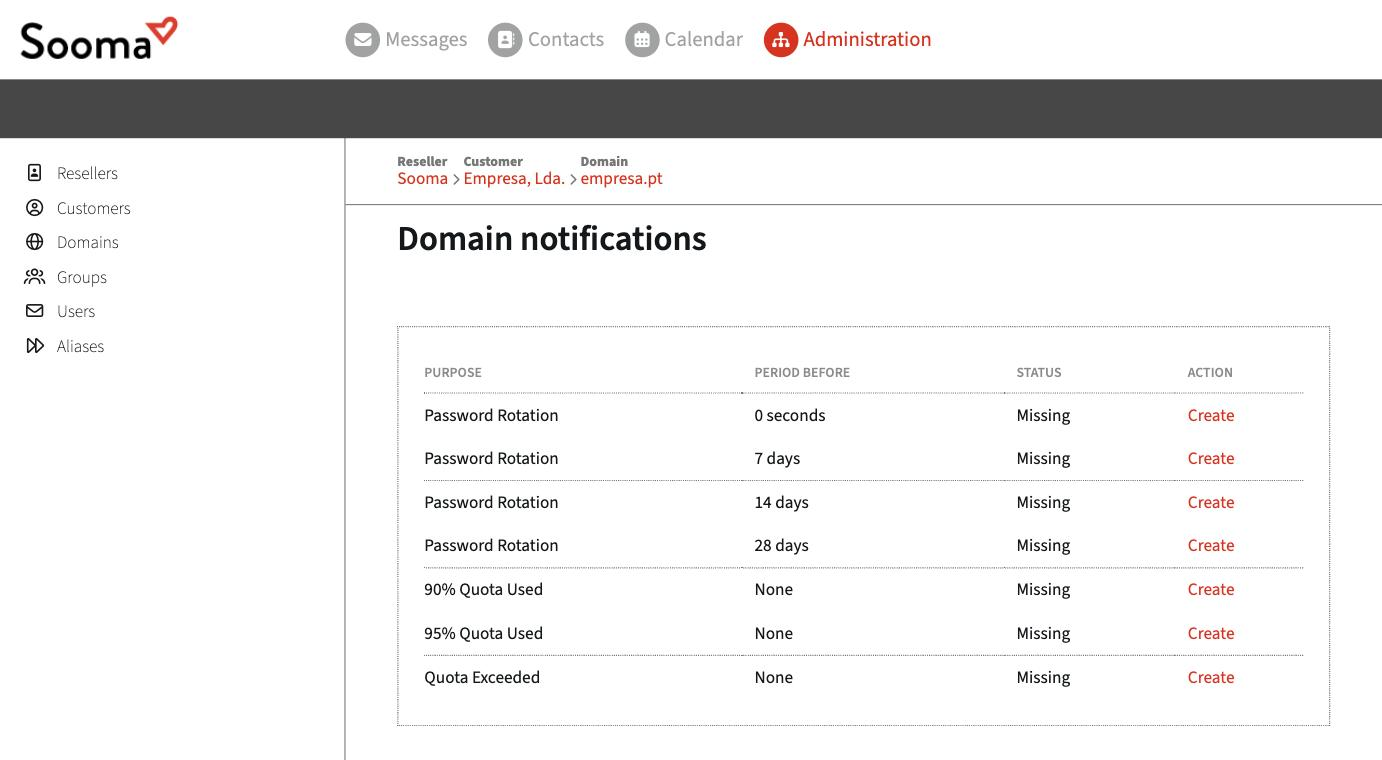
The policy applies to every mailbox in the domain. Users can be warned by email before the deadline: under Edit notifications, enable the Password Rotation warnings 28, 14, 7 and 0 days in advance.
First access
When creating a mailbox, keep Force password change set to Yes. The user has to choose their own password on first access, and the initial password stops working.
Two-step verification
The console does not currently have an option to make two-step verification mandatory for the domain. If it is a requirement for your company, talk to support.