Signatures
Each identity has its own signature.
Create or change your signature
- Open Preferences > Identities and click the identity.
- In the Signature section, type the text. With HTML signature switched on, you can use bold, alignment and, under the ⋯ button, insert links and images.
- Click Save, at the bottom of the page.
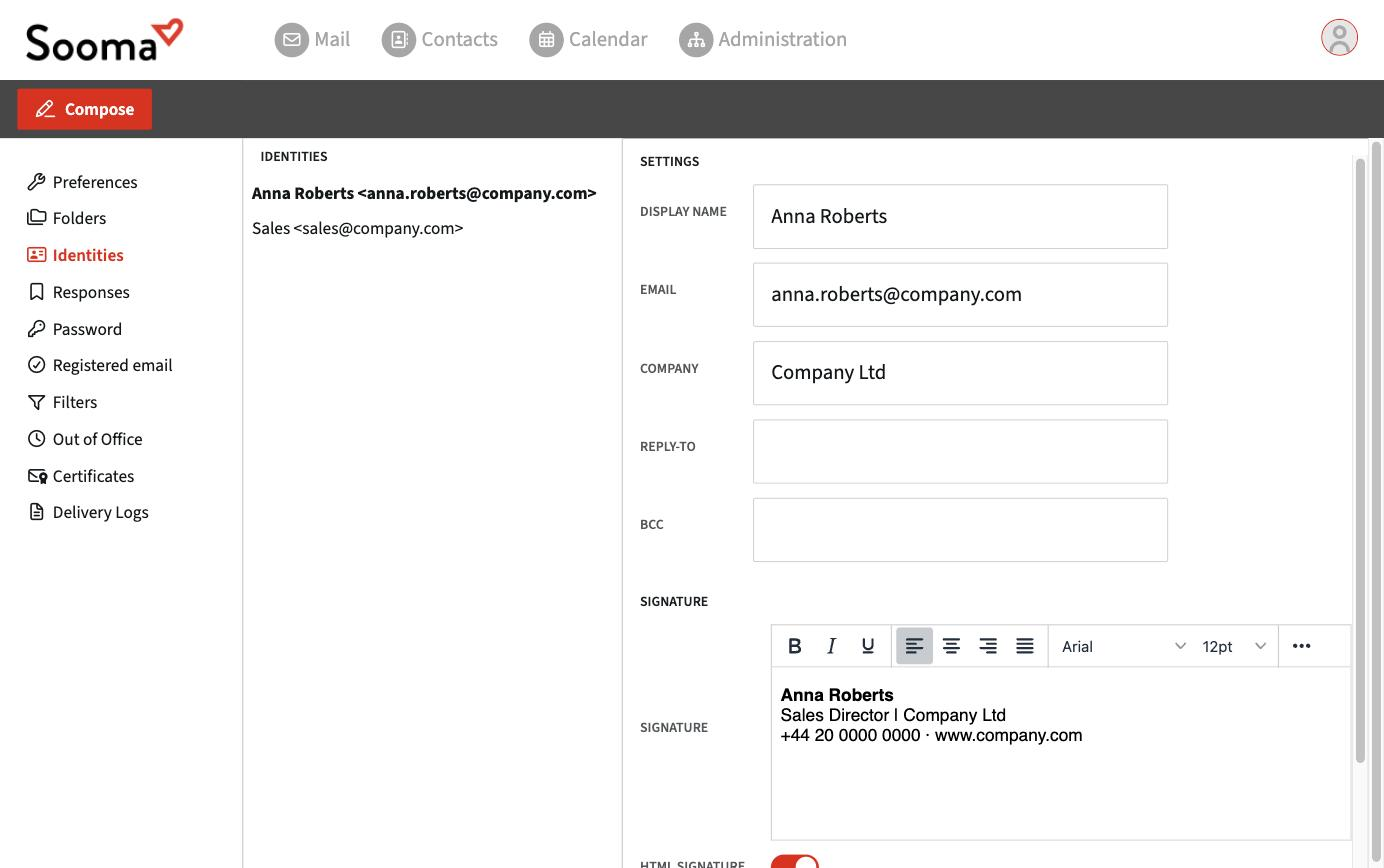
The signature is inserted automatically into new messages. You can also insert it manually with the Signature button in the new message window.
Good practice
- Keep the signature short: name, job title, company, one phone number and the website.
- Images (logo, photo) should be small. Many email apps block images by default, so the signature should make sense without them.
- Avoid pasting the signature from Word: it brings hidden formatting that breaks in other programs.
Signatures in apps
The webmail signature does not carry over to Outlook, Apple Mail or your phone. Each app has its own and must be set up there.